
The Complications and Problems of Working with Computers
صدف سخاییJanuary 29, 2024اخبار
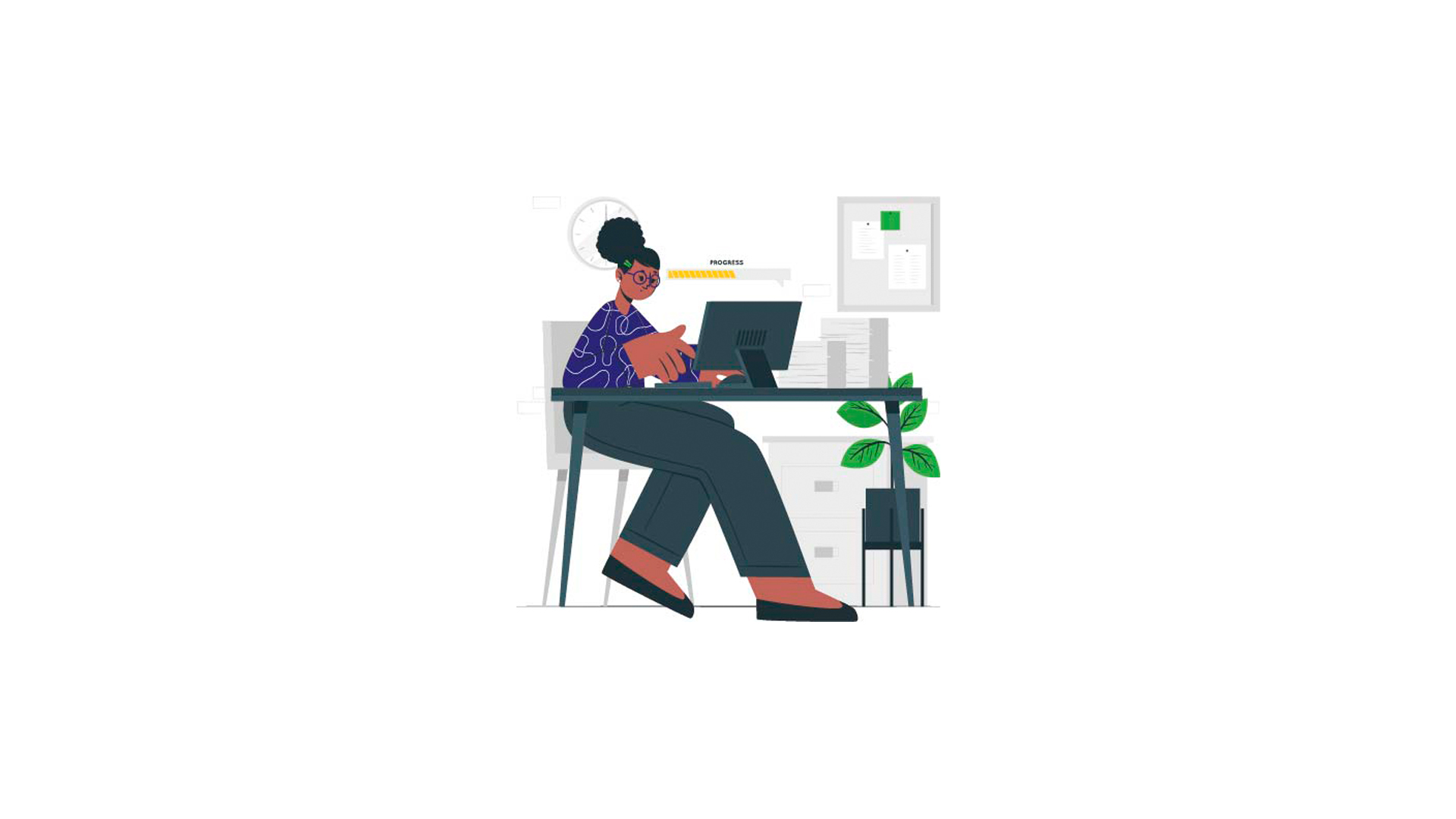
Ways to prevent problems arising while working with a computer
Computer users must have their eyes examined by specialists when they begin work and then annually.
People who, after employment and working with a computer, have suffered weakened eyesight must have their place of service changed.
People who develop joint or muscle pains must promptly see an occupational-medicine physician.
Working with a computer should be accompanied by rest. The rest period is 15 minutes in every one hour.
Working more than 10 hours in a day and night with a computer is not recommended.
The lighting of the workplace must be from white and yellow light and must not create shadows. The lighting needed for work environments related to display screens is considered to be around 300-500 lux.
The work desk must not be very bright and glassy, because the reflection of the lights present in the environment will cause glare and discomfort.
It is recommended that the air temperature of the work room be 19 to 23 degrees and the humidity 49 to 50 percent. The location of placing draft letters must be such that it requires the least movement to read it. The suitable distance between the eye and the display screen is 50-60 centimeters, and the best height for the work desk is about 70 centimeters.
The distance from the seat surface to the keyboard surface must not be more than 30 centimeters and not less than 22 centimeters.
Body ergonomics while working with a computer
Incorrect sitting and becoming accustomed to an incorrect body posture while sitting, or working for a long time in a fixed body posture, cause fatigue in the muscles and the occurrence of musculoskeletal problems such as hunchback, back pain, etc. in employees.
To prevent these complications, awareness of how to sit and the conditions of the desk and chair is of great importance. If the height of the chair is too low, the back will become bent and hunched, and if its height is too high, complications such as pain behind the knee, numbness, stiffness, and inflammation in the legs will follow. Since the height and physical conditions of all people are not the same, each person must adjust their workstation (including desk, chair, etc.) to suit their own height.
Guide to adjusting the chair
1 / Stand in front of the chair and adjust its height so that the edge of the chair is approximately level with your knees.
2 / So that no pressure is exerted on your back and knees, there must always be a distance the size of a clenched fist between the front edge of the chair and the back of your knees.
3 / Sit on the chair and check whether the soles of your feet rest comfortably on the floor. Otherwise, use a footrest under your feet.
4 / If the backrest of your chair is adjustable, adjust it so that it fills the hollow of your back.
5 / Adjust the armrests of the chair so that, without raising your shoulders, they support your arms and do not exert pressure on your neck and shoulders.
Adjusting the work desk
Adjust the height of the work desk to the height of the elbows when the arms are hanging at the sides. If you use a work surface that has a fixed height (such as a desk), raise the height of the chair to an extent that creates a suitable position for the arms and upper body, and for this:
1 / Adjust the height of the chair so that the height of the elbows is equal to the height of the desk surface.
2 / If in this position the feet do not rest on the floor and pressure is exerted on the back of the feet, use an adjustable footrest so that the entire sole of the foot rests on it.
Comments
No comments yet.
To leave a comment, please sign in.